Event workflows6 minutes

How to follow up after your event

By Mary De LucaUpdated

In brief
  • You collect feedback separately from guests, guest instructors, and the team, and organize it by specific situations.
  • During the debrief, you separate observations from assumptions and prioritize problems based on their impact.
  • For every agreed change, you record a person responsible, a deadline, and a measurable outcome.
  • You carry open tasks over into preparations for the next edition and check that they are completed.

After the last dance, two stories often remain: an enthusiastic audience and an exhausted team. Both can be true. A useful evaluation also makes visible the friction guests didn't even notice.

What you need for the debrief

  • Feedback from guests, guest instructors and the team
  • Planned agenda and notes on what actually happened
  • Shared document for findings and decisions
  • Participants with insight into the affected processes
  • Designated facilitator and note-taker

A finding connects feedback and the process

Feedback initially describes a perspective, not a cause. “The workshop was too hectic” could mean that the explanations were too fast, the start was delayed, or the group missed part of the lesson during a room change. To make your event debrief useful, connect the statement to a time, a situation, and an impact.

Use these fields for each finding: observation, source, impact, possible cause, and unresolved question. An explicitly fictional example: guests report missing the start of a workshop; the guest instructor remembers participants arriving continuously; the team noted that the room was made available late. Together, these details give you a coherent account, but they do not yet prove every suspected cause.

Keep the original goal alongside it so you can put complaints into perspective. A reference to your event concept with its target audience and participation format is enough. An intentionally open social calls for different standards than a progressive workshop.

The debrief ends with decisions about the process. Financial accounting and long-term customer retention remain separate tasks. Then add the agreed changes to the documents you use to organize your dance event, rather than creating a second, conflicting planning system. Also explicitly preserve processes that worked well as standard practice: otherwise, the next edition might change exactly what worked reliably.
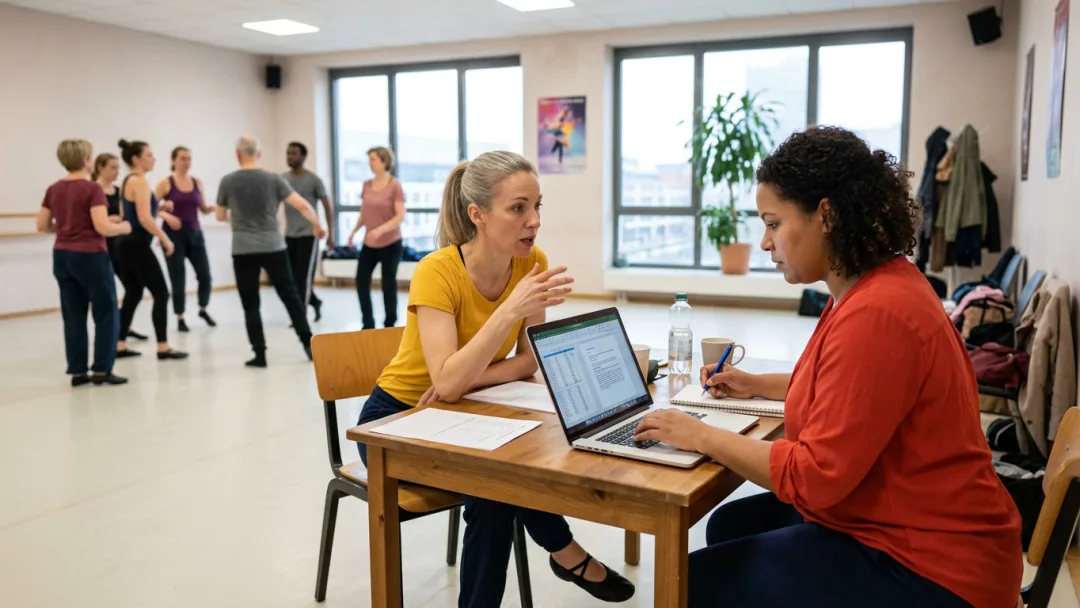
A shared place to store things prevents agreed changes from ending up only in one participant's personal notebook.

Seven steps to actionable changes

  1. Capture memories and feedback

    After the event, save team notes and feedback that has already come in. Give guests and guest instructors the same short prompts: What worked, where did things get stuck, which situation do you mean? Gather specific experiences instead of general satisfaction ratings, and keep the perspectives separate at first.

  2. Group statements by situation

    Sort the material into situations such as the start of class, getting oriented, moving between rooms, and support. Group statements about the same event without deleting differing experiences. A group is useful if you can tell who experienced which situation and what resulted from it.

  3. Reconstruct what actually happened

    In the debrief, compare the planned and actual sequence of events. Let the participants add their observations before you discuss causes. Clearly mark assumptions: without evidence, “the announcement was missing” must not become “the person responsible did nothing.”

  4. Prioritize findings by impact

    First set aside incidents involving possible safety risks or boundary violations for separate handling with the responsible lead. Weigh the remaining findings according to their impact on participation, risk of recurrence, and preventable team workload. The number of times an issue is mentioned alone does not determine the order.

  5. Formulate a specific change

    For each prioritized finding, formulate an observable change. Instead of writing “improve communication,” for example, write: “The room change announcement names the destination room and start time.” Record what impact you expect, so the measure stays connected to the original problem.

  6. Record ownership and deadlines

    For each change, enter an owner, a completion date, and the expected outcome. “Team” isn’t enough as an assignment. Add any required input and a verifiable completion criterion, such as “announcement text is in the approved run sheet,” so no one merely checks off an intention.

  7. Carry decisions into the preparations

    Send the brief decision record to everyone involved and carry the tasks over into preparations for the next edition. Set a checkpoint before implementation. In the next review, compare the original findings with the new observations, not just with the task list.

How to keep the debrief objective

Do this

  • Document a specific situation and its impact
  • Keep contradictory statements side by side
  • Handle a single serious report separately
  • Document established processes as well

What not to do

  • Take “It was chaotic” as a finding without context
  • Replace the differing statement with the majority opinion
  • Dismiss a serious report because it occurs infrequently
  • Record only errors and forget the processes that work

You check off these results in your history

After the Event

Backup

After the Meeting

Decision

Before the next issue

Implementation

Frequently Asked Questions

  1. Schedule the debrief promptly, once the key feedback and notes on how things went are available. Capture your recollections as soon as the event ends, but hold the actual discussion when everyone involved is well rested. There is no fixed general deadline: what matters is that observations are still specific and decisions can still be put to use in time.

Make your events discoverable on udansa

You list your events in the udansa hub, manually or via an interface from your management software. Reviews from confirmed bookings can provide you with additional insights for follow-up.