
Find your crew on udansa
Here you can meet other K-Pop enthusiasts for your next video project, find like-minded people for joint choreography training, or discover suitable dance classes in your area.


By Bernhard De LucaUpdated
Here you can meet other K-Pop enthusiasts for your next video project, find like-minded people for joint choreography training, or discover suitable dance classes in your area.
A K-Pop dance video thrives on energy, dynamics, and precision. With the right technique, you bring your performance to life on screen and visually capture every beat.
A K-Pop dance cover thrives on its visual dynamics. While classic dance videos often rely on a static, wide perspective, the K-Pop aesthetic deliberately breaks these rules. Here, the camera is not a passive observer, but moves like an additional dancer in the room. It emphasizes the powerful accents of the choreography, directs the focus to synchronous group formations, and captures the dancers' facial expressions at the right moment. To achieve this professional look, you do not need expensive Hollywood equipment. A modern smartphone or a simple mirrorless camera is perfectly sufficient if you master the right camera work technique.
Before you start filming, you should analyze the choreography closely. Every K-Pop song has striking key moments, the so-called killing parts, which must be visually highlighted in a special way. If you plan in advance when the camera should zoom in on a face and when it should pull back for a group formation, you will save valuable time during the shoot. If you are still looking for collaborators for your next video project, it is worth taking a look at the K-Pop dance community to find like-minded people. With the right coordination within the team, filming together will be a complete success.

Lock the autofocus and automatic exposure on your smartphone or camera. This prevents the image from flickering or becoming blurry when the dancers move quickly.
Film the first run-through completely in a wide shot. This ensures that you have every formation and every step fully captured, which serves as a safe foundation for your later editing on udansa.
During the second take, actively move the camera towards and away from the dancers. Use slow forward movements for solo parts and pull back when the group opens up for a formation.
Film striking key moments, such as expressive gestures or fast footwork, in targeted close-ups. Get close to the dancers to perfectly capture the emotions and details of the choreography.
How to make it dynamic
Avoid these mistakes
Preparation
Arrival
During
For K-Pop videos, 4K resolution at 60 frames per second (fps) is best. The high frame rate ensures that fast dance steps and turns are displayed extremely smoothly and sharply.
A gimbal is highly recommended for dynamic K-Pop videos. It compensates for your steps while moving and ensures that camera movements look professional and without shaky jitters.
It is best to film the choreography in its entirety three times. Once as a wide shot for the formations, once as a dynamic close-up of the main dancers, and once from an oblique angle for creative cutaways.
Learn the latest choreographies directly from professional instructors in your area.
Hip HopBerlin · Germany
Hip Hop ab 6 J.Wednesday · 19:20 · Oct 14
Mahalaya Yoga & Healing Arts
StreetdanceBurgstädt · Germany
Videoclip Teens 11-13 JahreMonday · 16:50 · Oct 26
Burgstädt
Modern DanceBerlin · Germany
Modern Jazz Dance ErwachseneThursday · 20:50 · Oct 15
Hebammenpraxis Storchennest
 K-Pop Styling and Video Production: The Guide for Cover DancesLearn how to bring your cover video to a YouTube level with the right K-Pop dance outfit, professional makeup, and dynamic camera work.
 K-Pop Dance Make-up: Camera-ready looksLearn how to apply flawless K-Pop dance make-up that withstands stage lights and sweat. Perfect your look for your next cover video.
 K-Pop Styling Accessories: The 7 Best Outfit UpgradesWith the right accessories, you can upgrade your K-Pop dance outfit in no time. Discover the seven best styling tools for your perfect idol look on stage.
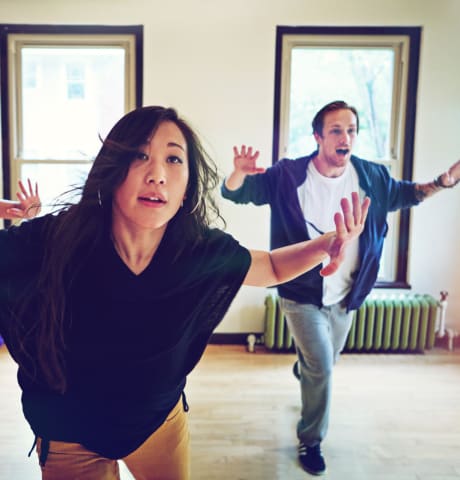 kpop dance video trends: The perfect visual aestheticDiscover the latest kpop dance video trends and learn how to create a stunning aesthetic with cohesive color schemes and the right location choice.
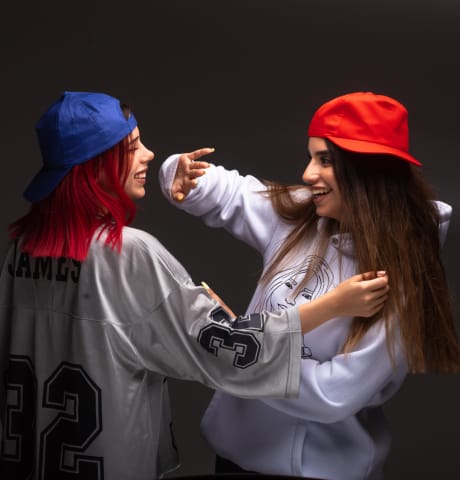 Which K-Pop style suits you? Take the quizWhich K-Pop fashion style really suits your body type and personality? Take the K-Pop style quiz and find the perfect outfit for your next dance cover.
 Editing K-Pop Dance Covers: The guide to the perfect editLearn how to professionally edit, synchronize, and enhance your K-Pop dance cover with dynamic effects.
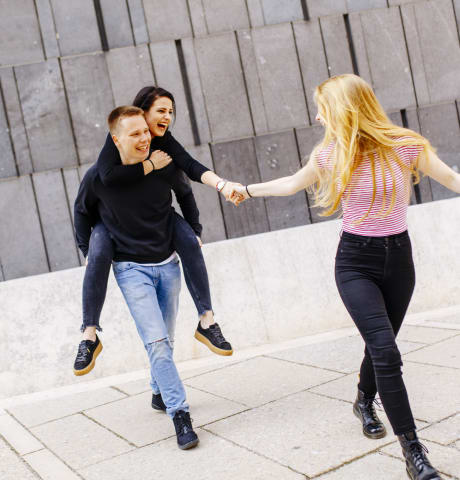 Finding the perfect K-Pop cover location: The guideFind the perfect setting for your K-Pop dance cover. Learn how to make the most of lighting, backgrounds, and locations for your video.